UPDATE 2024-08-18
I recently posted about creating a rescue image of my Debian installation.
That post was driven by issues where it would no longer be possible to boot into the Linux install on the SD Card, due to the bootloader entry mysteriously disappearing.
It looks like the UEFI specs may actually be suggesting that the Debian system shall provide a FAT32 system partition for the UEFI to be able to achieve boot process related operations:
13.3 File System Format
The file system supported by the Extensible Firmware Interface is based on the FAT file system.
[...]
EFI encompasses the use of FAT32 for a system partition, and FAT12 or FAT16 for removable media.

13.3.1 System Partition
A System Partition is a partition in the conventional sense of a partition on a legacy system.
For a hard disk, a partition is a contiguous grouping of sectors on the disk where the starting
sector and size are defined by the Master Boot Record (MBR), which resides on LBA 0 (i.e., the
first sector of the hard disk) ( LBA 0 Format ), or the GUID Partition Table (GPT), which resides
on logical block 1 (the second sector of the hard disk) ( GPT overview ).

13.3.1.1 File System Format
The first block (sector) of a partition contains a data structure called the BIOS Parameter Block
(BPB) that defines the type and location of FAT file system on the drive.
[...]
The first block (sector) also contains code that will be executed as part of the boot process on a
legacy system.
That is, if I understand the UEFI Specification correctly...
As a consequence, I have since revised the partition table of my Debian installation to provide said FAT32 partition at the beginning of the SD Card drive:
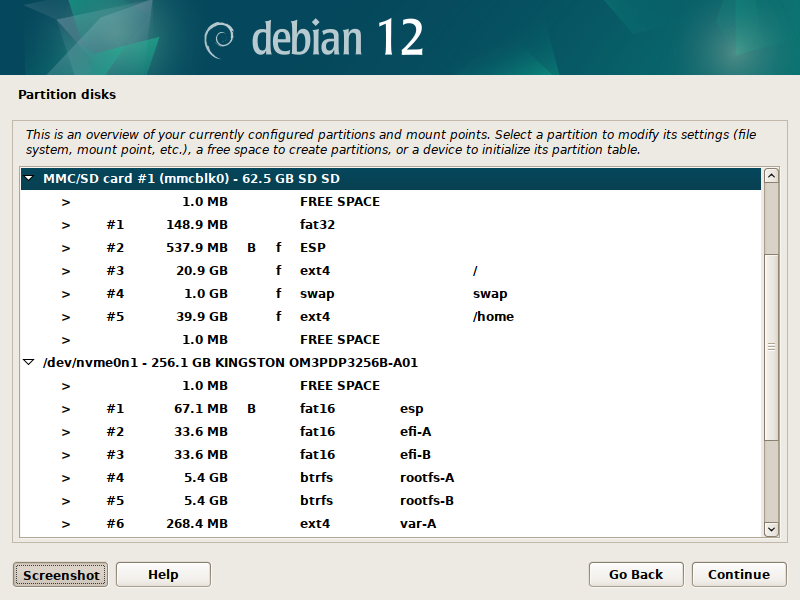
As you can see above, it now shows:
- 148.9 MB for the UEFI FAT32 system partition,
- 537.9 MB for our UEFI bootloader,
- 20.9 GB for the root system,
- 1 GB for the swap,
- 39.9 GB for the home partition.
ORIGINAL 2024-08-15
It's been a while since I posted online, and I recently bought a Steam Deck so now might be the time to document and share what I am having fun with once again :-).
The Steam Deck is basically a handheld gaming PC running SteamOS, a dedicated Linux distribution developed by Valve.
Valve's current operating system, SteamOS version 3, is based on Arch Linux but the distribution was initially built from Debian.
It currently runs great and serves a purpose ; would it still be possible to run Debian on the Steam Deck though ?
To find out, I tried installing and running Debian 12 from the device's SD Card as a dual boot solution to avoid messing the internal SSD.
Here is my setup:
- Steam Deck,
- External keyboard & mouse,
- External display,
- USB flash drive with Debian image,
- Dock to connect peripherals to the device,
- 64 GB SD Card installation medium.
I am not going through where to find those accessories, or even how to create a bootable Debian USB flash drive : there are plenty of resources on the internet to learn about those, let's jump right in.
To boot from the flash drive, hold Volume Down while pressing Power button on the Deck and release after you hear the chime : that should bring you to the boot menu where you can select your flash drive.
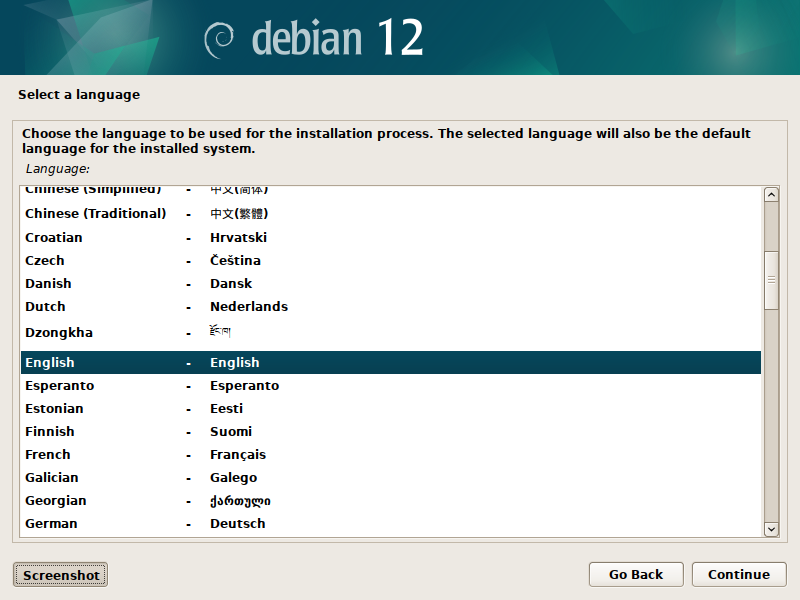
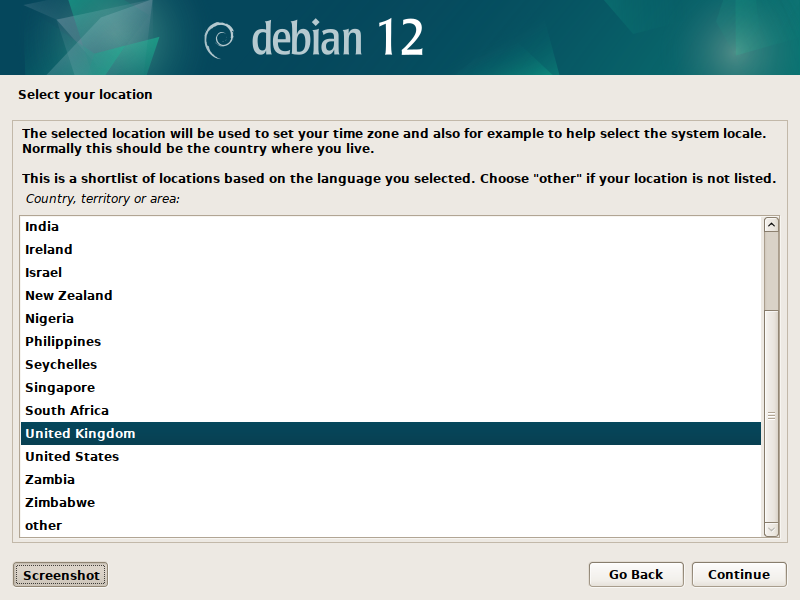
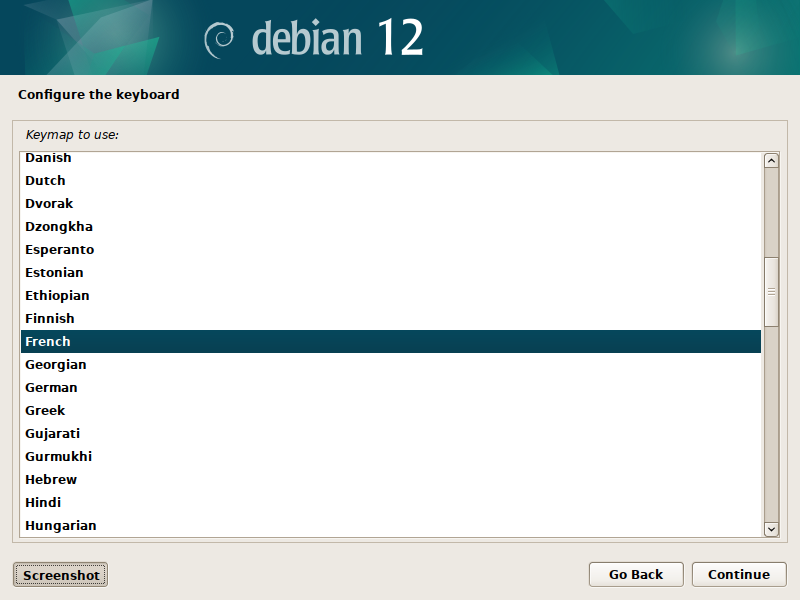
First screens of the Debian installer are trivial : language, keyboard selection and keymap.
Then comes the network interface chooser:
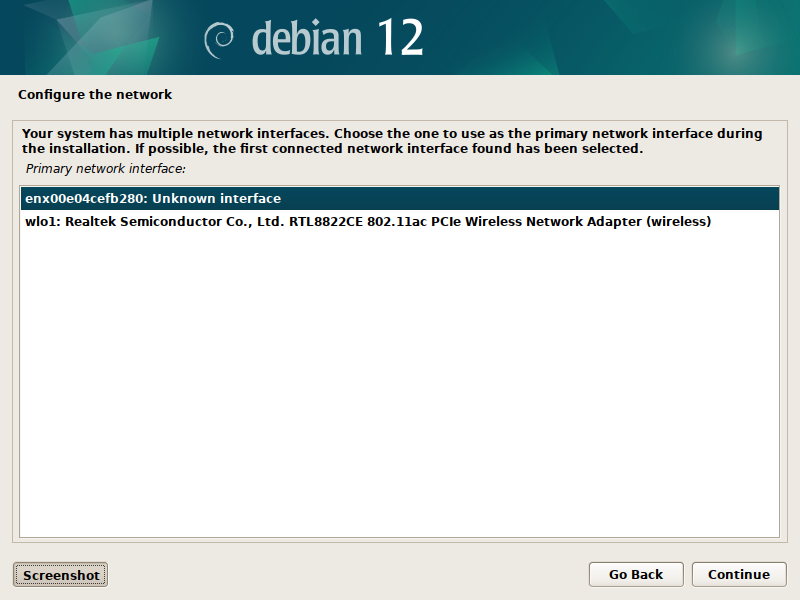
Here I select the ethernet interface available on the dock, as it does not need any specific driver to work during installation.
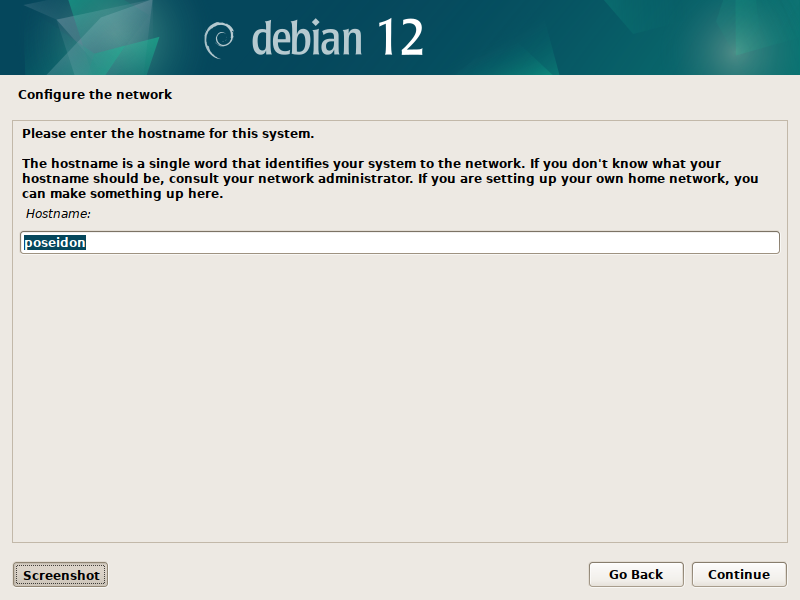
Then the hostname ;-).
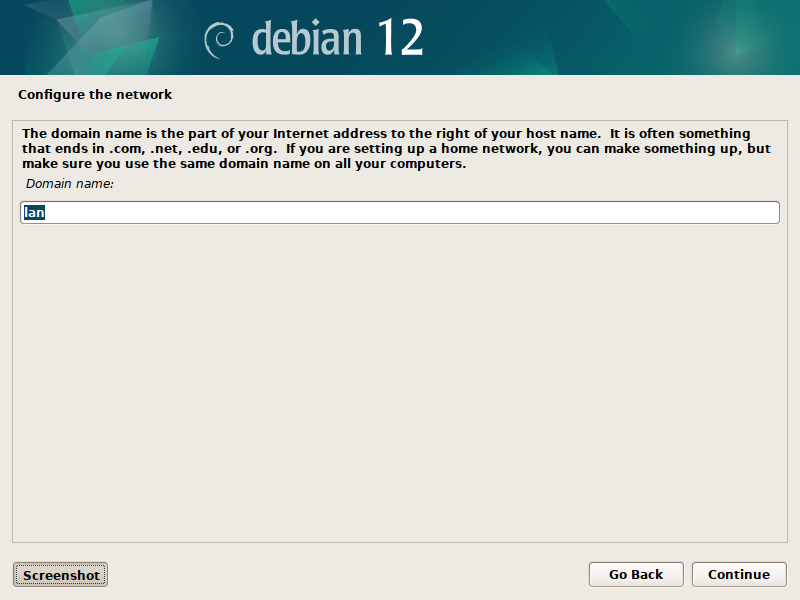
Domain name is left by default.
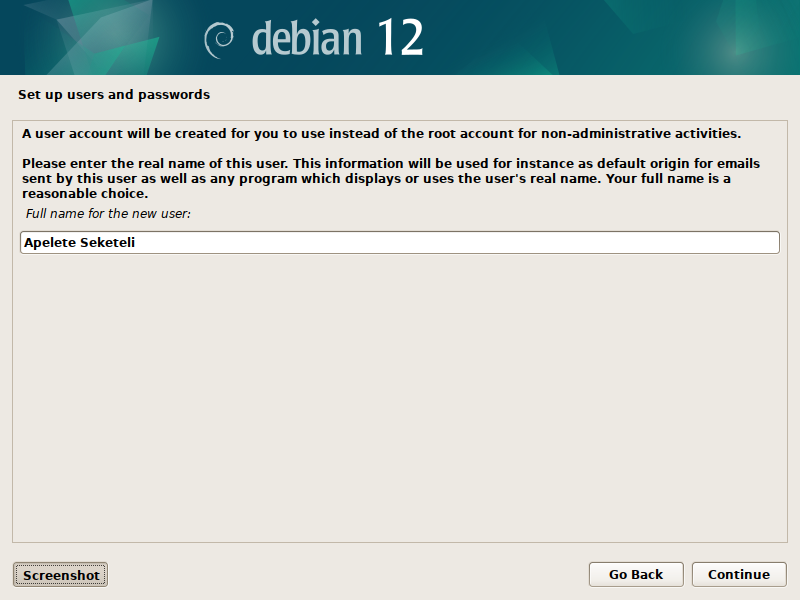
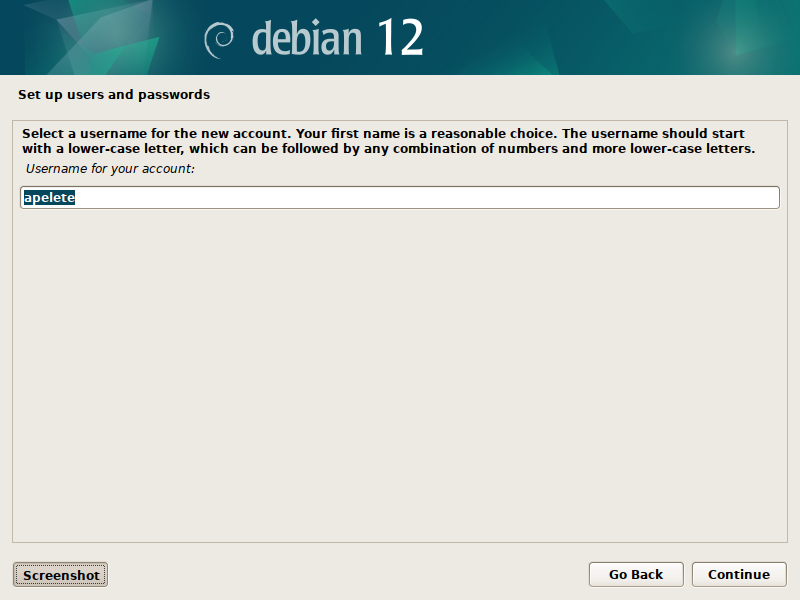
I skipped creating a root user, choosing for the primary user to elevate his rights through sudo instead:
Now comes the tricky part: partitioning to boot Debian from SD while keeping SteamOS on the SSD.
The Steam Deck boots from UEFI, as a consequence we will also need a partition to install a compatible bootloader.
I am starting with an empty card and choosing manual partitioning:
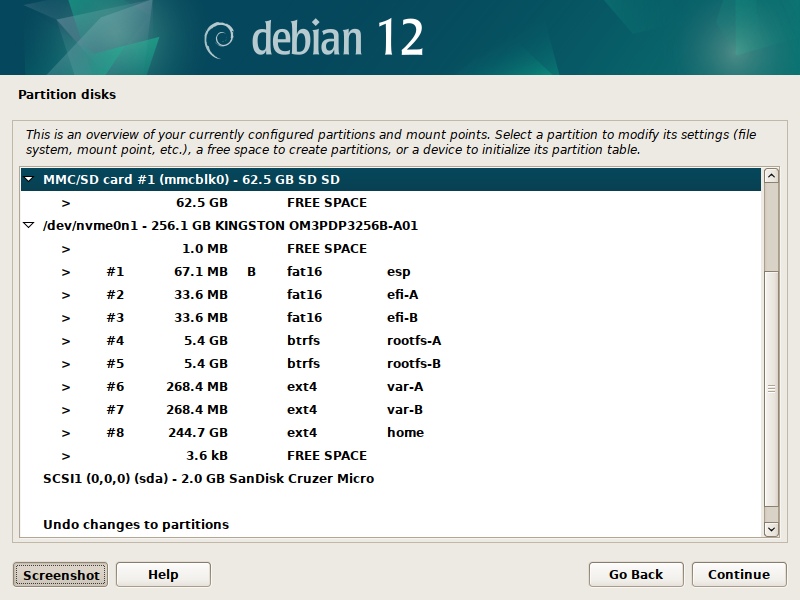
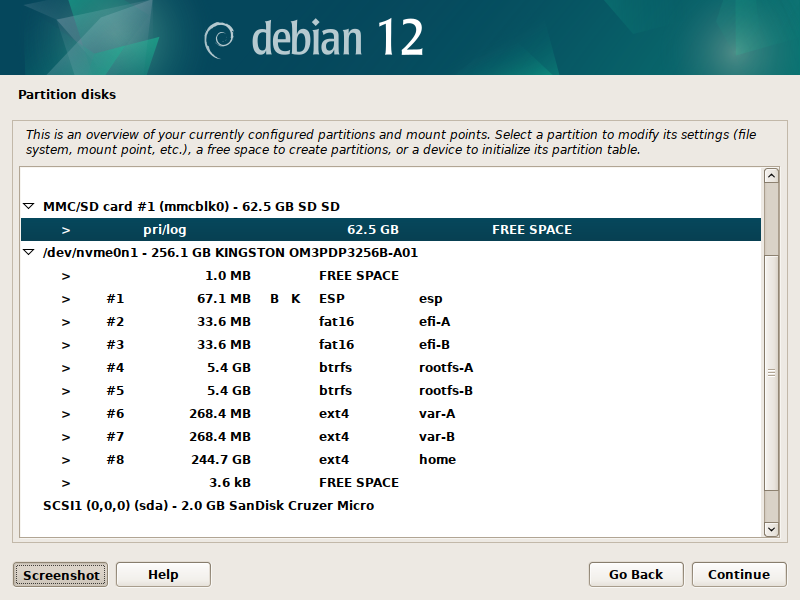
As you can see from the overview, I have access to multiple drives:
- the 64 GB SD Card I want to install Debian onto (mmcblk0),
- the Deck's 256 GB internal SSD we do not want to mess with (nvme0n1),
- the 2 GB flash drive I am running the Debian installer from (sda).
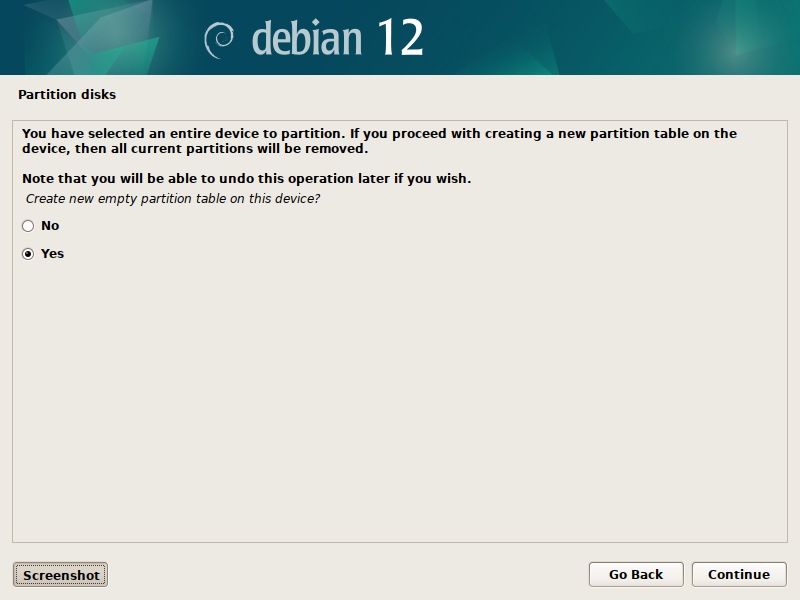
Select the SD Card free space to create a new partition table.
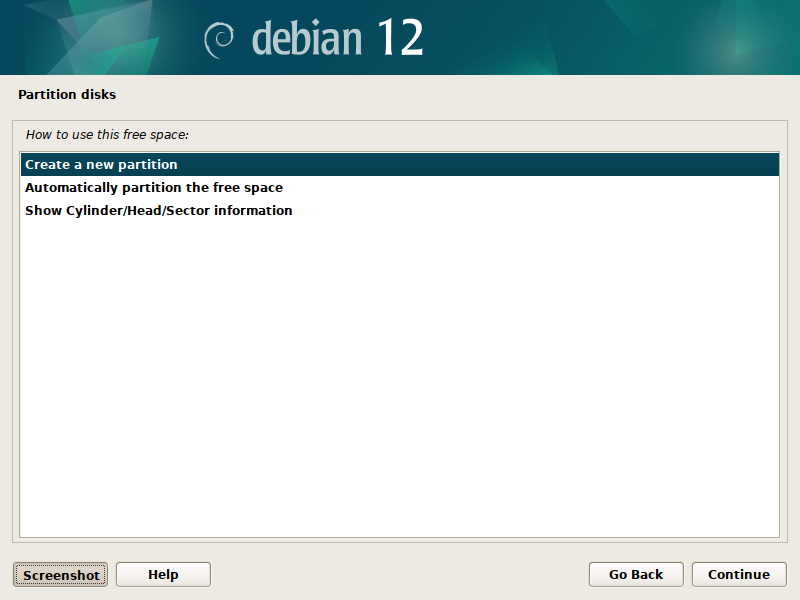
Select again to create a new partition.
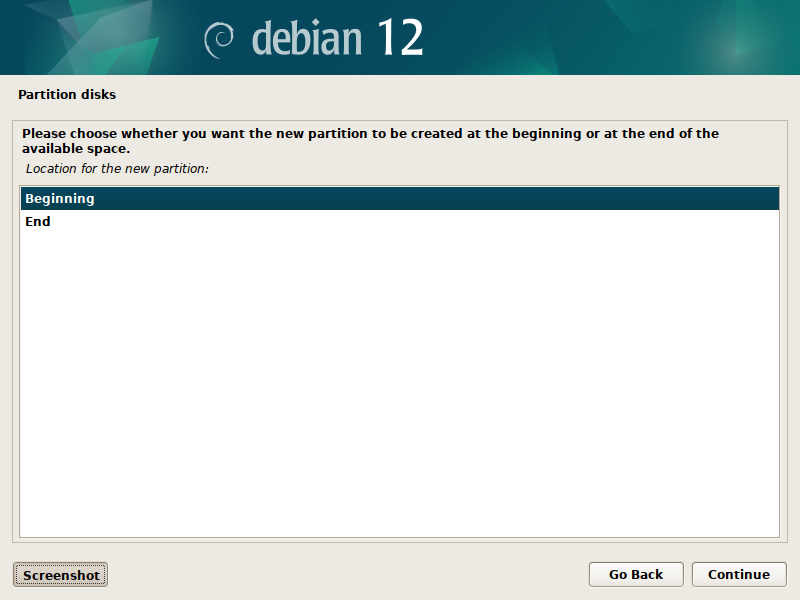
The new partition shall start at the beginning of the available space.
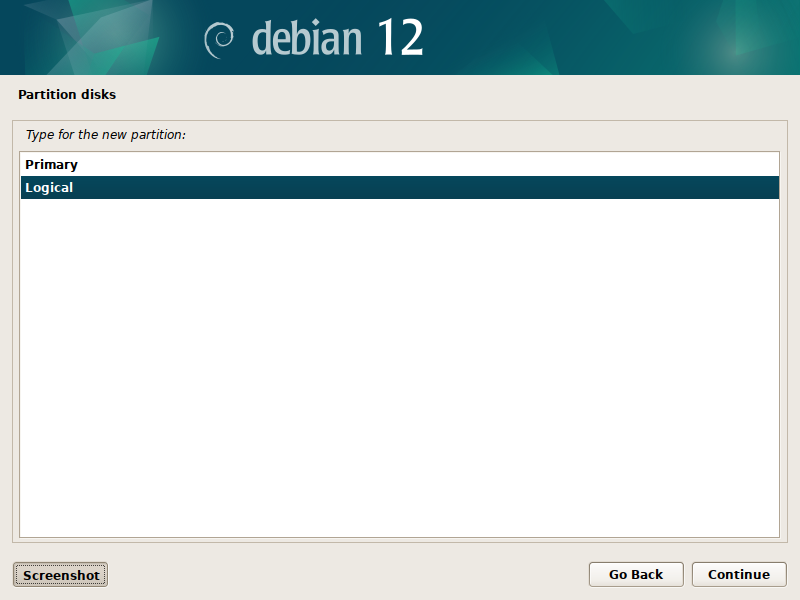
And we want it to be a logical partition as you can only have a limited number of primary partitions.
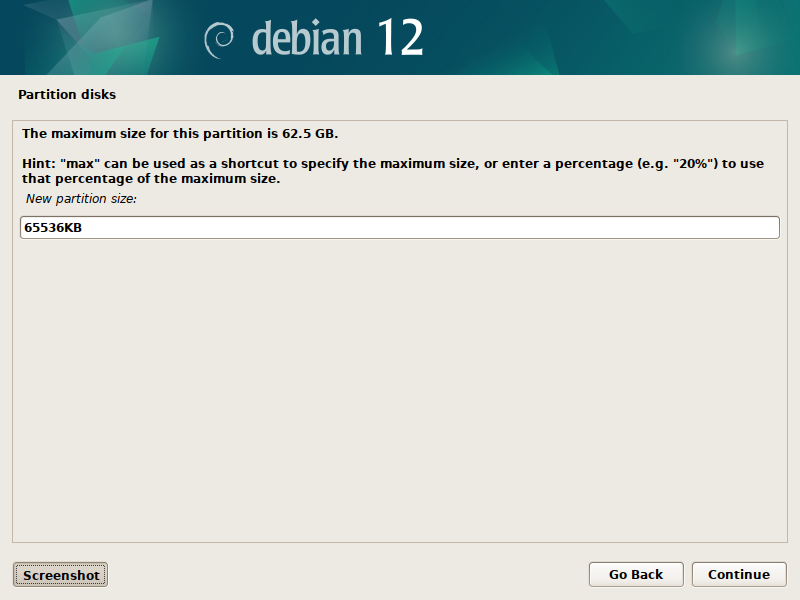
Let's make this partition 64 MB...
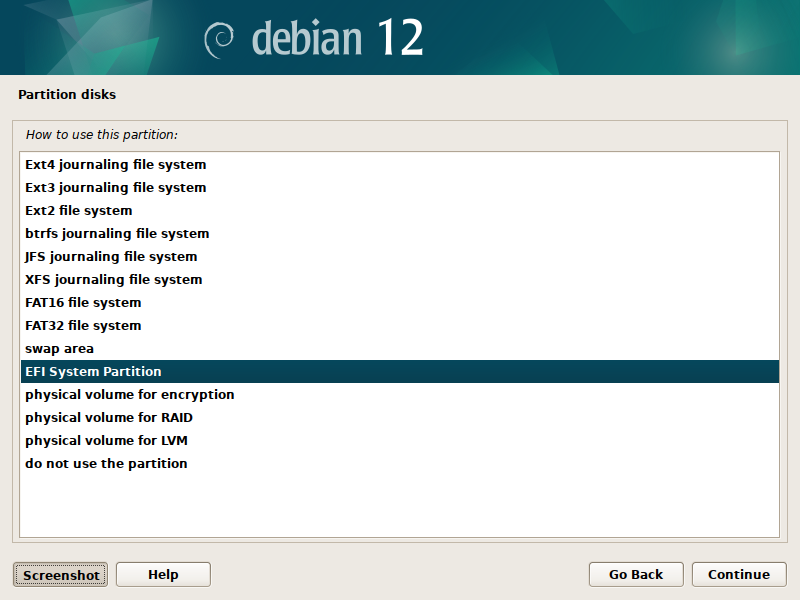
...as we want to use it for the EFI compatible bootloader.
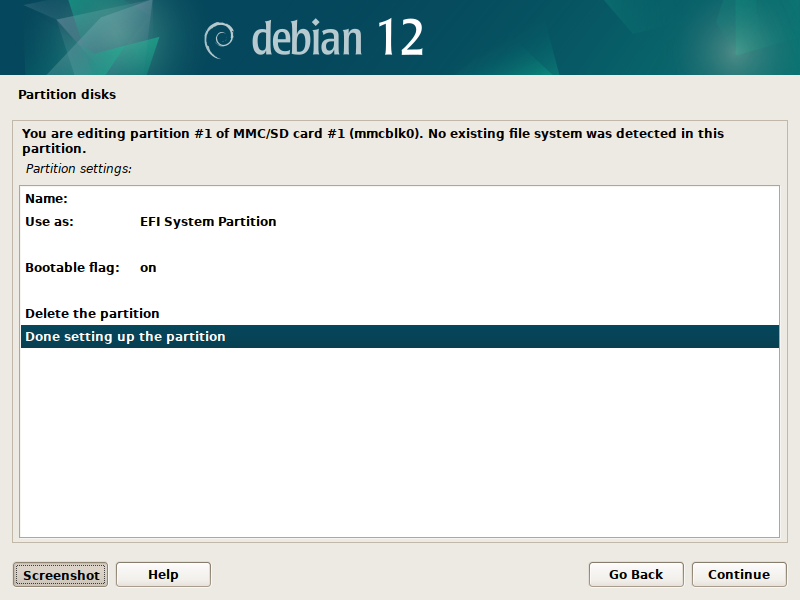
Make sure the partition is bootable ; the bootable flag should be on by default though.
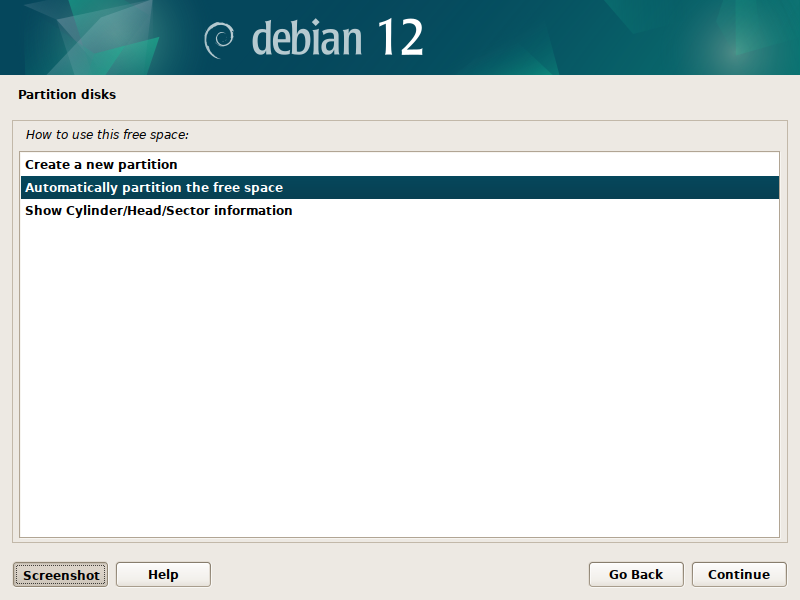
After setting up the first partition, select the remaining free space and let the installer automatically partition it.
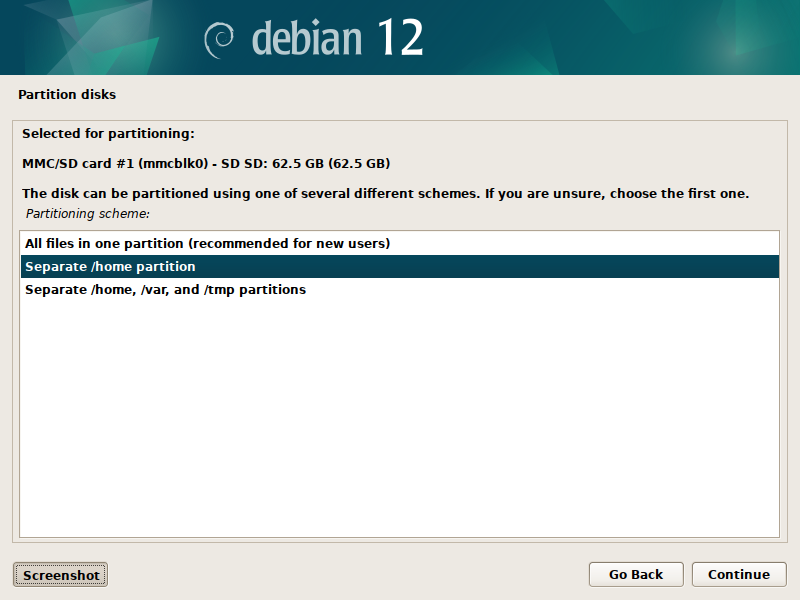
We want root, home and swap partitions to be separate to keep things simple yet modular enough.
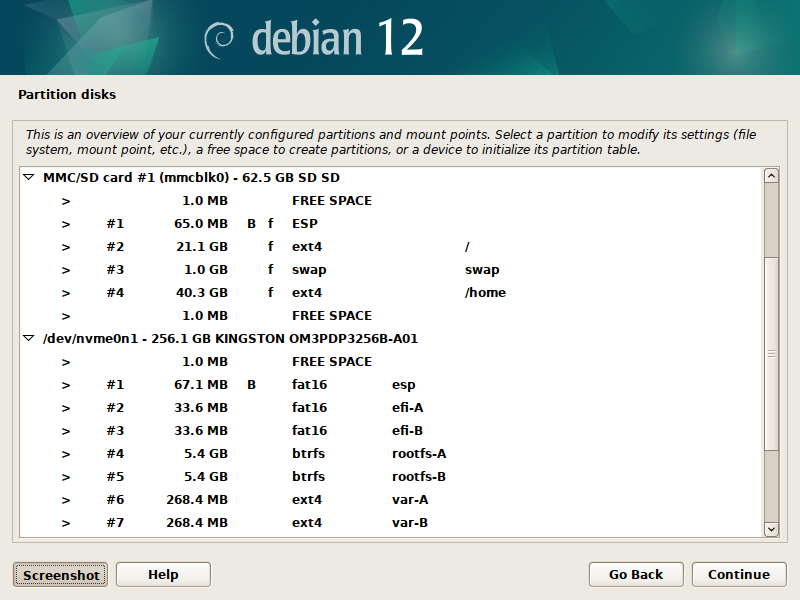
And here we are, with our complete partitioning scheme:
- 65 MB for our EFI bootloader partition,
- 21.1 GB for the system,
- 1 GB for the swap,
- 40.3 GB for the home partition.
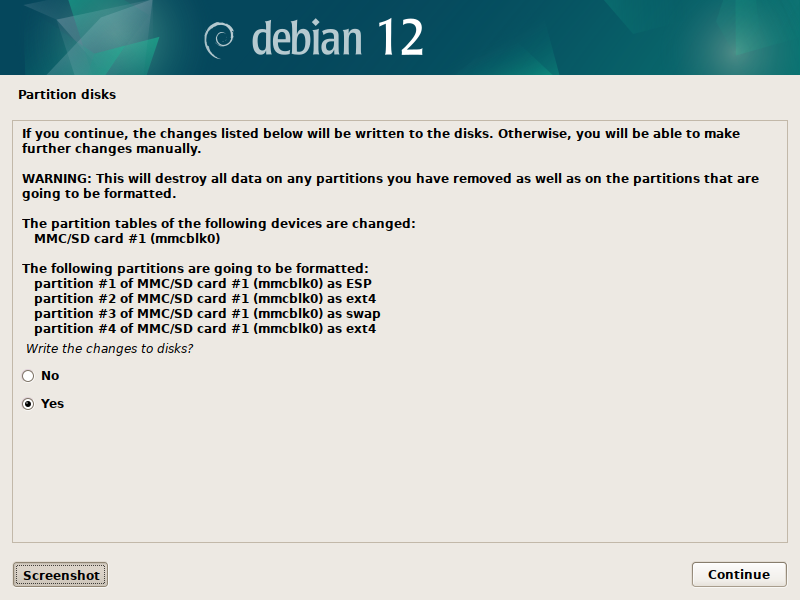
Confirm those changes and write this partition table to disk.
We are out of the woods, the rest is rather straightforward:
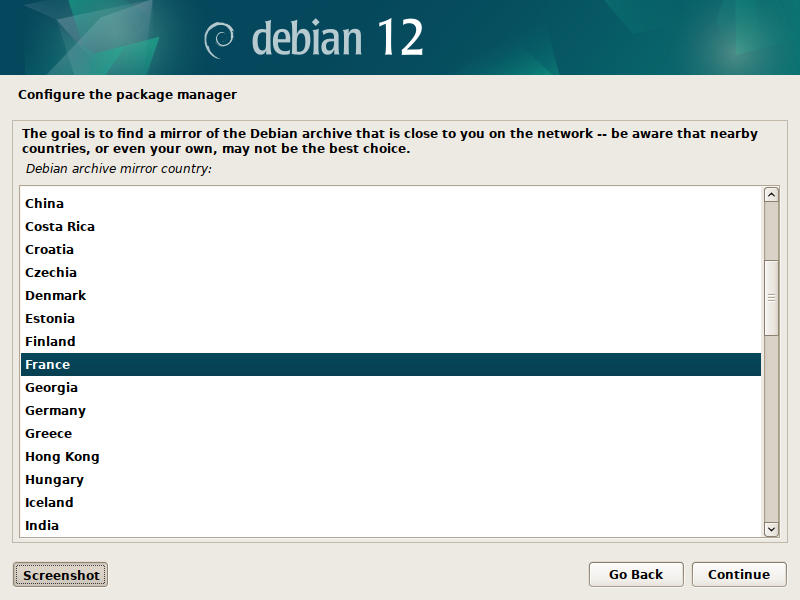
To configure the package manager, select the country of the Debian archive mirror you want to get software from.
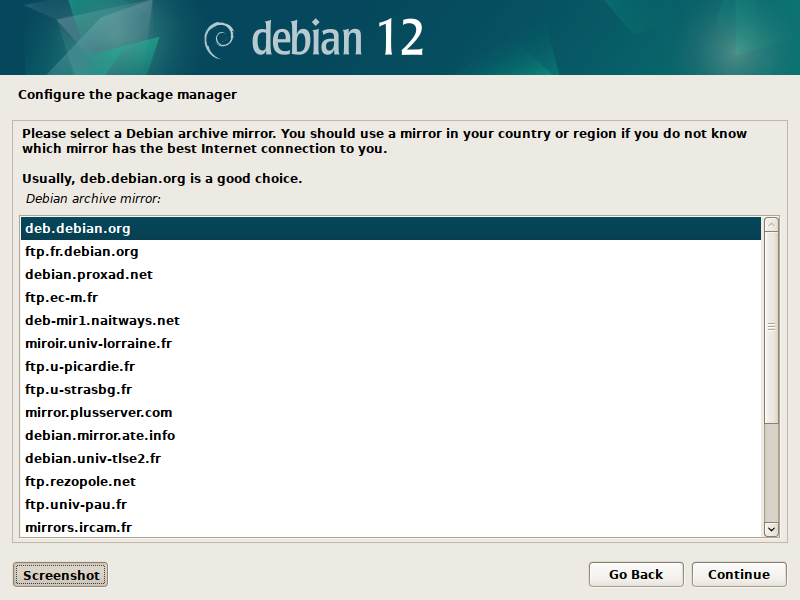
Then the mirror itself.
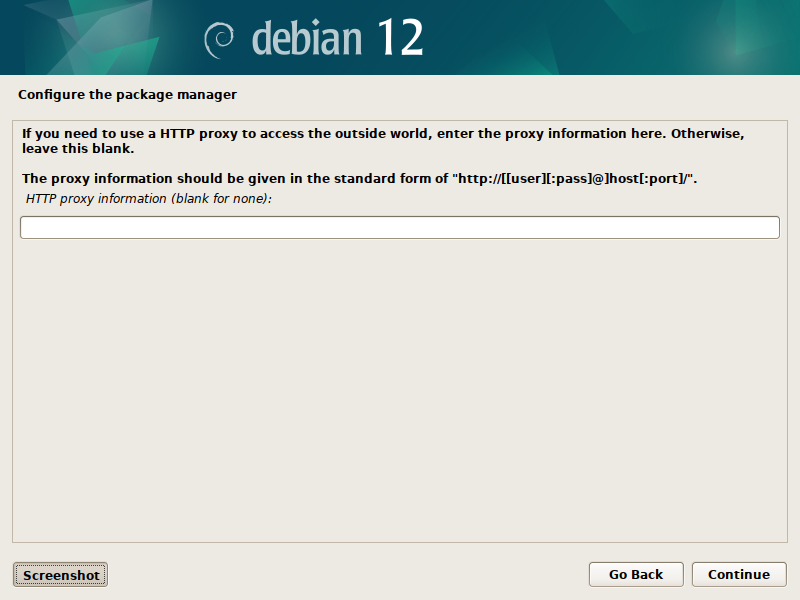
A proxy if you need one.
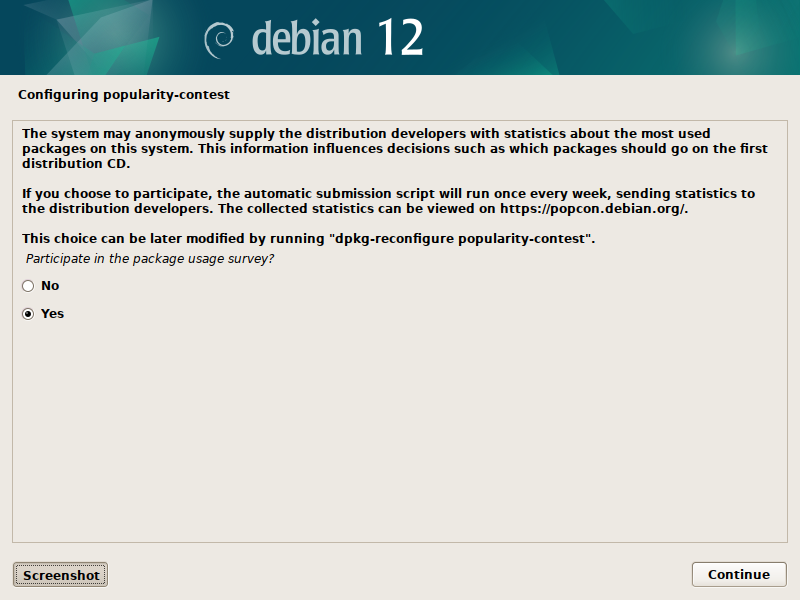
And here I choose to provide the distribution developers with statistics about the packages I will be using on this system.
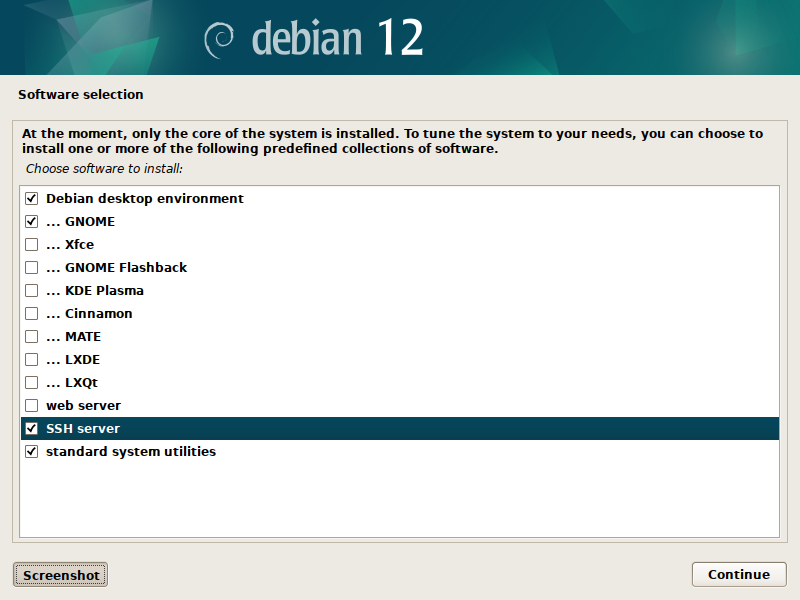
For software selection, apart from the GNOME desktop environment and the standard utilities I also want an SSH server to connect remotely to the device.
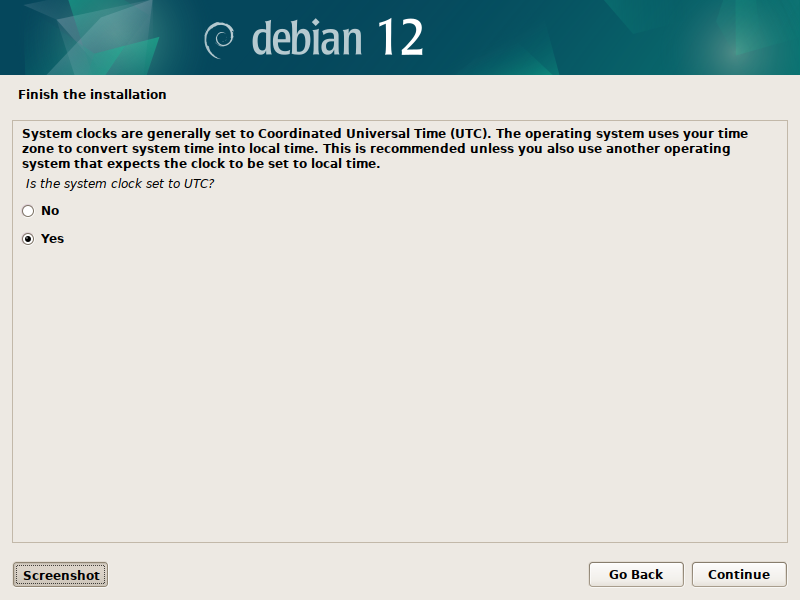
Not sure about that one, it usually messes with the way UEFI and any other operation system handles the system clock: I left it by default since the OSes will be syncing the time from the network anyway.
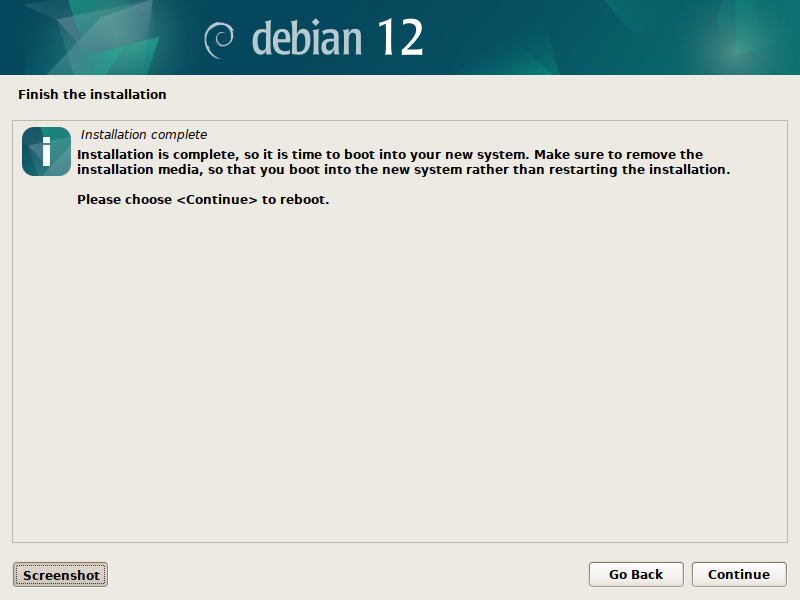
Here goes nothing: now is the time to reboot into Debian :-).
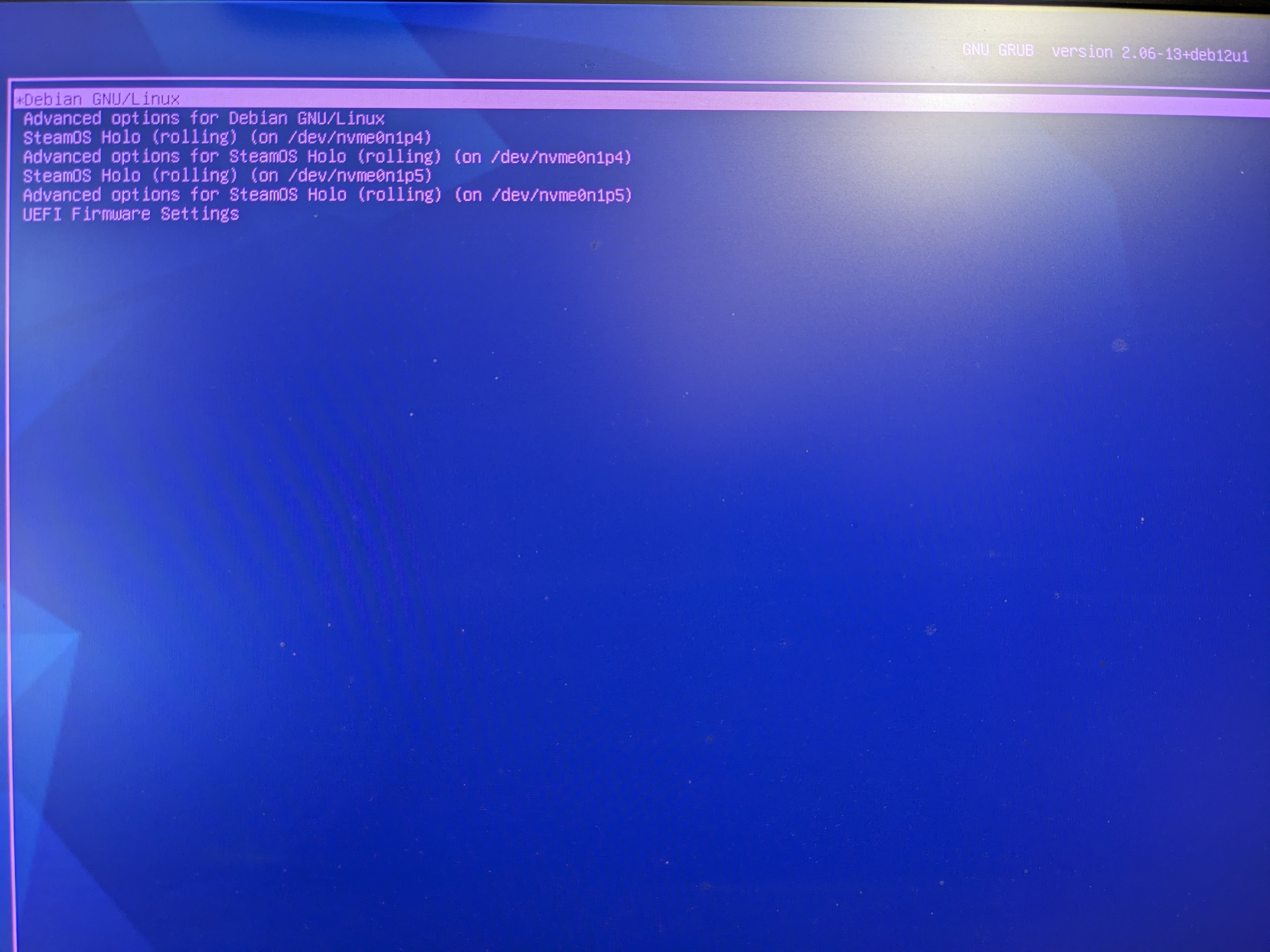
So far so good, our GRUB bootloader offers a sensible list of choices...
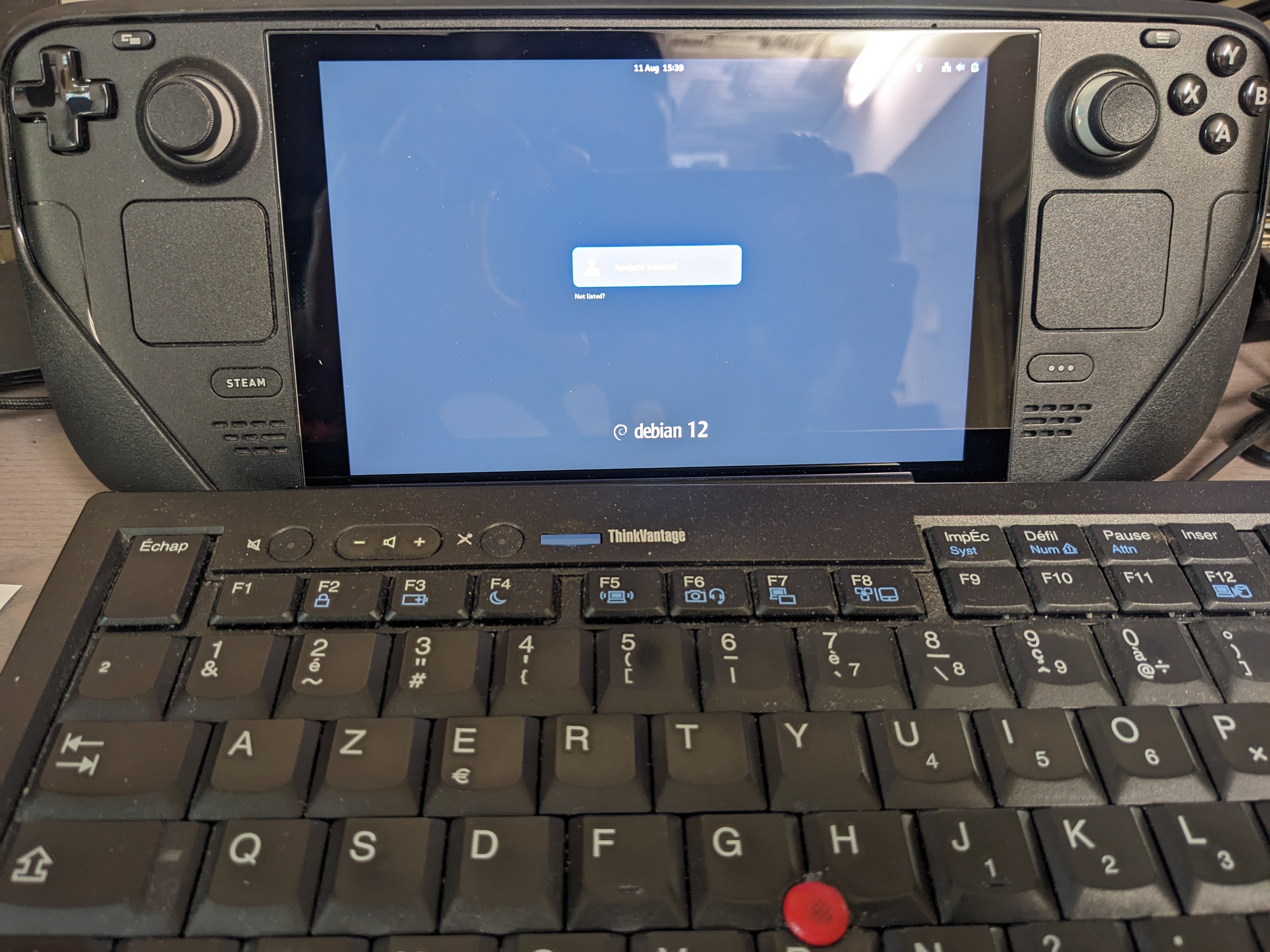
And the proof is in the pudding: here is the Debian 12 login screen, on the Steam Deck, after a successful installation process !
For future reference, I have also included below data gathered during installation:
- complete hardware summary,
- initial syslog,
- Xorg display log file.
That's all folks !
Comments