My main issue with Android has always been the very short support we get from manufacturers once we buy their phones; things have been improving lately but I still own a perfectly fine Pixel 3a for which Google has stopped providing any updates since 2022.
So, I decided to install a community maintained distribution (aka "custom rom") to extend software support myself with a more up-to-date version of the Pixel 3a OS: I have chosen Evolution X for this purpose, which should allow me to run Android 14 instead of Google's last Android 12 update.
First let's download the following Evolution X Android 14 files for Pixel 3a:
- custom boot recovery image,
- Evolution X 14 v9.3 image,
- Google Play Integrity fix APK from the project page on XDA Forum,
We will also need the Android SDK Platform Tools to connect and transfer the previous files to the device:
Flashing the vendor official OS voids the device warranty (when warranty is still applicable, which is not the case here since the phone is no longer supported), and the bootloader is locked by default to prevent such practice.
To unlock the bootloader:
- Enable developer options:
- go to Settings > About phone > Build number, and tap it 7 times to enable "Developer mode",
- Enable OEM unlocking:
- in Developer options, toggle the switch next to “OEM unlocking” to enable it; also toggle the switch next to "USB debugging" to enable sending files via USB later,
- Boot into Bootloader Mode:
- with your phone connected to your PC via USB, boot your Pixel 3a into bootloader mode by pressing and holding the "Power" button and the "Volume down" button simultaneously,
- Run fastboot commands:
- extract the Android SDK Platform Tools archive previously downloaded, open a command prompt, navigate to the directory and run the fastboot command to unlock your bootloader as follows:
$ cd platform-tools/
$ sudo ./fastboot flashing unlock
OKAY [  0.089s]
Finished. Total time: 0.089s
Note that the command is run with sudo to get the rights to communicate with the device; if everything goes well you should get the OKAY output meaning we can now proceed with replacing the original bootloader with a custom recovery bootloader:
$ sudo ./fastboot flash boot ~/boot.img
Sending 'boot_b' (65536 KB)                        OKAY [  1.530s]
Writing 'boot_b'                                   OKAY [  0.342s]
Finished. Total time: 2.185s
Reboot into Recovery Mode to install the Evolution X image:
- Press any "Volume" button to scroll until "Recovery Mode" is shown next to "Power" button,
- Press "Power" button to select and wait for device to reboot,
- In recovery mode, using the "Volume" buttons, navigate to "Factory reset" and select with "Power" button,
- Navigate back and select "Apply update".
From the command prompt, sideload the image:
$ sudo ./adb sideload ~/EvolutionX-14.0-20240818-sargo-v9.3-Official.zip
serving: 'EvolutionX-14.0-20240818-sargo-v9.3-Official.zip'  (~100%)
Total xfer: 2.00x
With the transfer complete, navigate back and select "Reboot system now" to boot into your new system ; first boot will be longer than usual.
After initial setup, the familiar Pixel homescreen should show up.
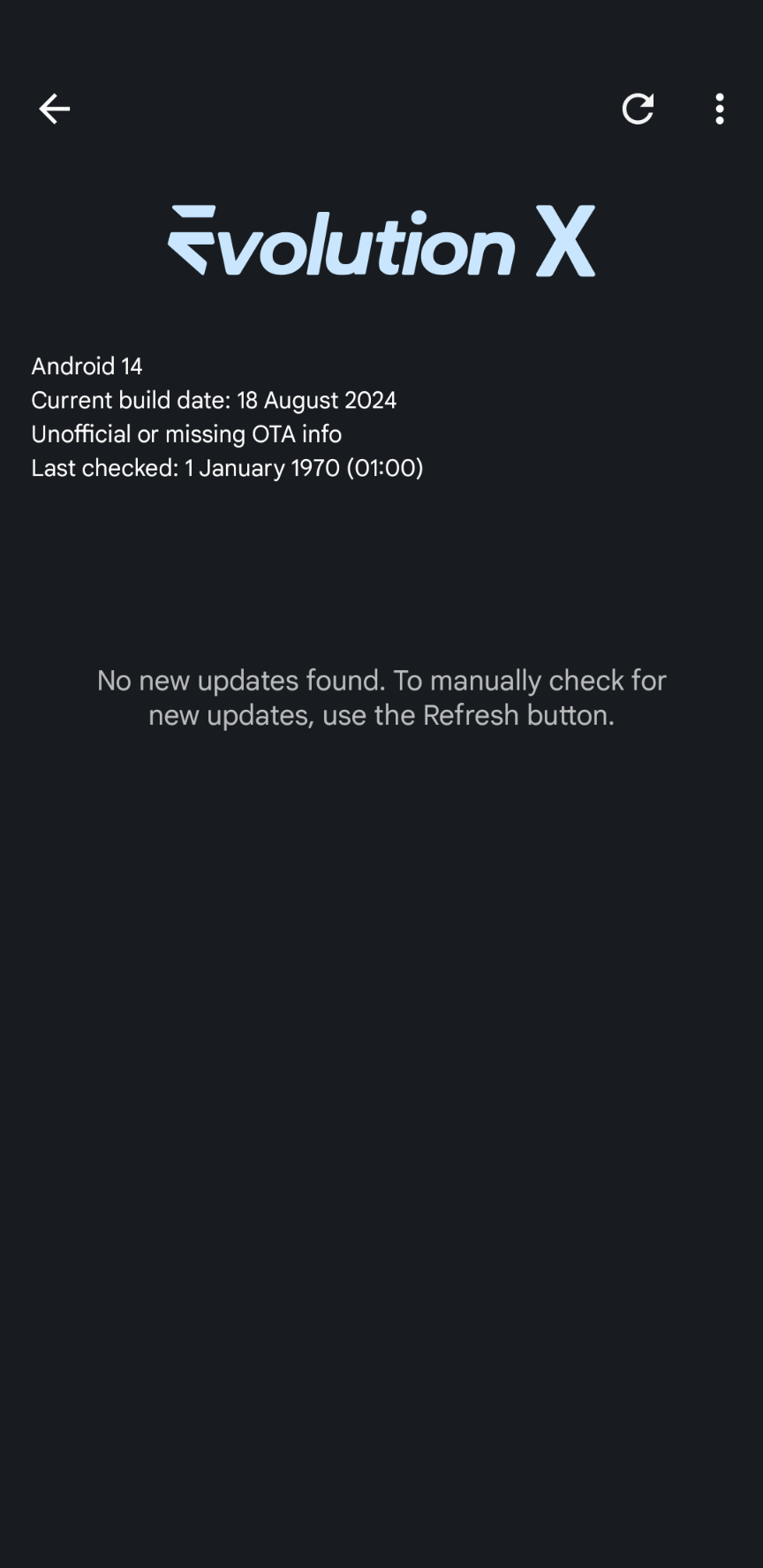
Congratulations, the Google Pixel 3a is now running Android 14 !
Optional: At this point, you can connect the device to your computer, transfer the Google Play Integrity fix APK and install it from "Files" application.
Afterwards, Play Integrity API checks should pass, in case you want to use Google Pay or banking apps on your device.
Comments